
AI Photo Editor
Refine your photos with our AI photo editor by typing a prompt, drawing on your photo, or using a reference image. With advanced AI models like Nano Banana Pro or Magnific, you can easily remove backgrounds, erase unwanted objects, restyle your photos, and upscale to stunning 10K quality. All within one editor.
Edit photos with AIEdit & Enhance Photos with AI Image Editor

Edit with AI power
Describe your edits in natural language, use visual annotations, or upload a reference. You choose how to guide the AI.

Use the most advanced AI models
Access Nano Banana, Magnific Upscaler, and more. Explore and switch models to get the exact result you need.

All tools in one suite
Retouch, restyle, upscale, or remove backgrounds. Every tool your images need, connected in one single editor.

Pro editing in a fraction of the time
With the Freepik AI Photo Editor, you can achieve professional results by simply entering a prompt, using visual requests, or adding your own images. With AI models like Nano Bana Pro or Magnific Precision, your images will always convey the message you want.

Make every background match your vision
From product shots to portraits, transform any setting into the perfect scene with just one click. Want a cleaner look? Remove the background. Need a new setting? Replace it. Feeling creative? Generate one with AI.

Upgrade your images to stunning 10K quality
Blurry definition is history! Upscaler amplifies textures, depth, and details while boosting resolution in seconds. Choose between Creative or Precision, whether you want fidelity or imaginative results, both powered by Magnific.

Erase or add elements, objects, and characters
The Retouch tool puts precision at your fingertips. Erase, replace, or add elements effortlessly with AI, giving you total creative control over every detail. You can add objects or characters to further personalize your images.

Expand your images to any format
With the Expand image tool, every ratio is possible. No matter if you’re adjusting your design for a new format or just needing extra space, AI will blend the gaps using generative fill while maintaining a natural, high-resolution look.

Explore every angle of your images
With Camera Angles, you can rotate views, shift angles, and change perspectives while maintaining consistency with your original image. Move the camera around manually, and leave no angle unexplored.

Change the style of your visuals
Restyle lets you completely transform your image’s look and feel, preserving the original composition. Choose from a style preset, a color palette, or upload your own reference image to transfer its style.

Put skin in the game
The Skin Enhancer cleans digital noise, preserves details, and delivers natural tones, a smooth texture, and a lifelike finish to your character’s skin, making your work look realistic and alive.
How to use AI Image Editor
Step 1 : Open the Editor
Find the Photo Editor on the Home page or under Image tools.
Step 2 : Add your image
Drop an image from your gallery, select it from your creation grid, or create a new image using the AI Image Generator.
Step 3 : Select an editing feature and save your work
Explore all the AI tools to customize your images. Edit your images with Nano Banana Pro, Retouch elements, Resize to any format, Restyle it with different looks, remove the Background, Change Camera angles, Enhance Skin, manually Adjust it, and Upscale your result once you’re happy with it. Download your final edit as a PNG, JPG, or SVG and share it with the world.

Tools to skyrocket your creative freedom
More tools and features coming soon! Want to test them before anyone? Become our AI partner.


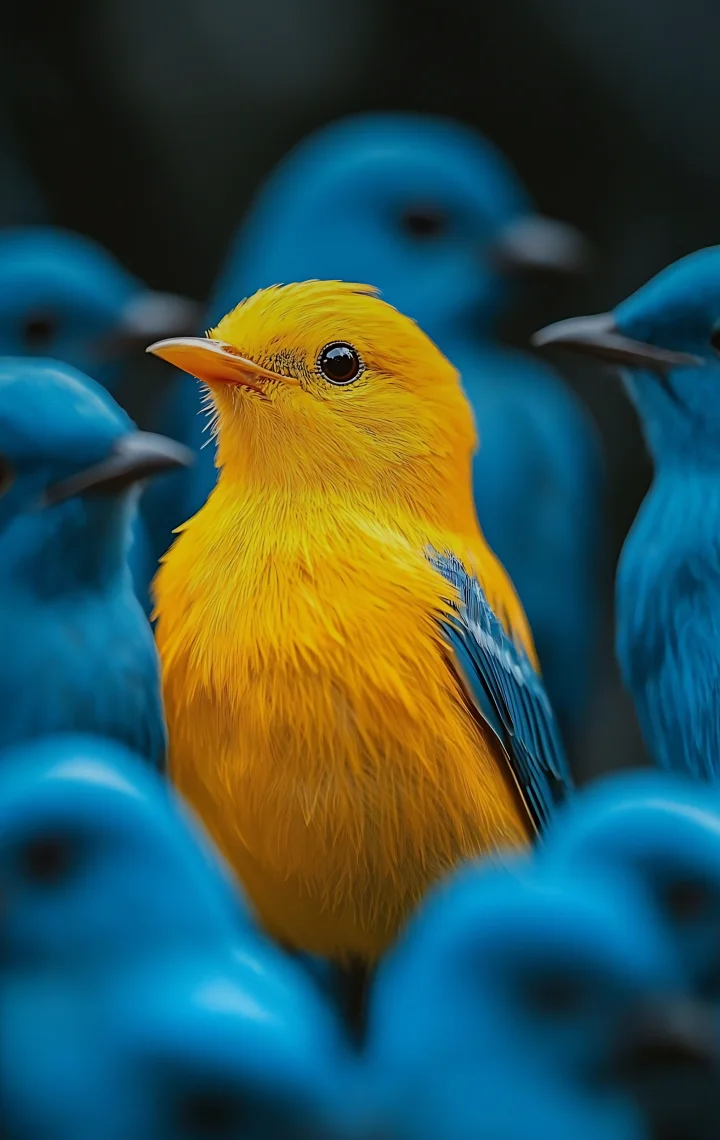
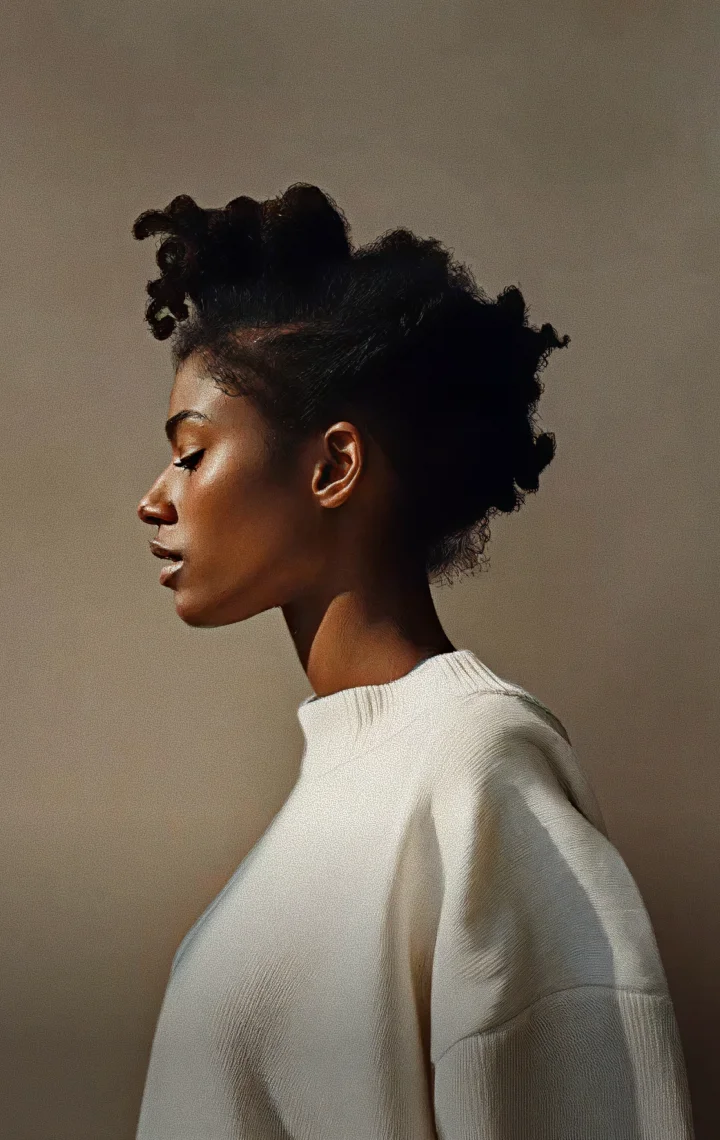




Transform your photos with AI Editing tools
Discover how our AI tools turn photo editing into effortless, professional results in seconds.
FAQs about AI photo editor
- An AI photo editor is an online application that uses artificial intelligence to help you edit photos. It simplifies complex editing tasks, allowing you to perfect your images quickly and easily without requiring advanced skills.
- Yes, this editor is free and has unlimited editing capabilities. Note that each edited photo you download counts towards your daily limit, which changes depending on your plan.
- No, it doesn't. Your edited photos will be watermark-free.
- Yes, the editor is available on the web and for mobile devices, making it accessible wherever you are.
- Absolutely! This tool is perfect for beginners as it offers an intuitive interface, allowing effortless photo editing without any prior experience or software required. You can easily upload and edit your photos without worrying about complicated tools or settings.
- You can download edited images in JPEG, PNG, and PDF formats.
If you need further information, please contact us